


Place Google Calendar on your desktop
GMinder places the Google Calendar service on your desktop. If you like to use Google Calendar due to its synchronization, but you want to have an application that will allow you to use it directly from the desktop, GMinder is perfect.
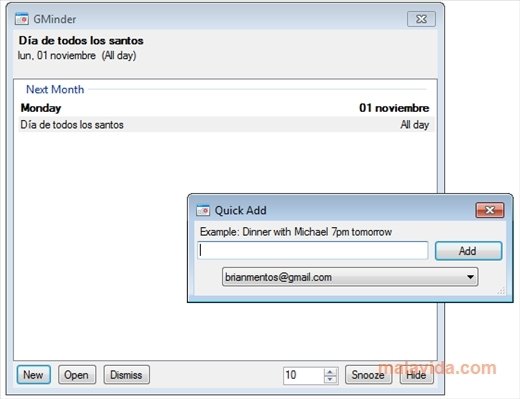
Without having an interface that is very elaborate, the truth is that it accomplishes its function perfectly. With GMinder you will be able to add, modify or assign alerts, add tasks and events to the calendars and, to sum up, manage all the calendars that you have in Google Calendar.
Place Google Calendar on your desktop
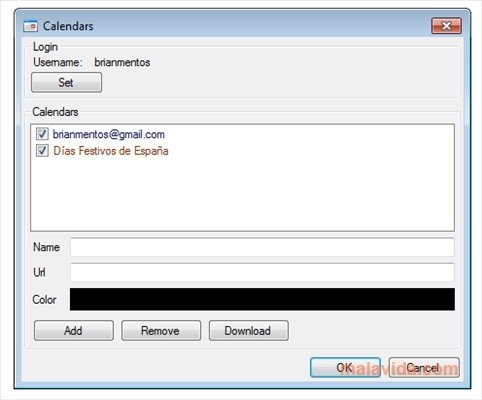
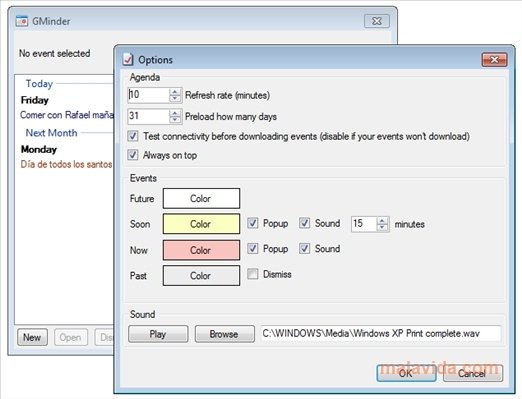
For this purpose, GMinder will ask you to indicate your account and to download the calendars. Thus, it will be capable of downloading them and updating them whenever you want automatically. As with the calendar via the web, GMinder also allows us to assign a color to the calendars and tasks and the notifications will be accompanied by a sound that is totally customizable.
To sum up, GMinder is one of the best ways to organize yourself because it places Google Calendar to your desktop. All of this with an ease that is noteworthy and an interface that is clear and simple to use.
Requirements and additional information:
- This download requires that you have previously installed .NET Framework 2.0 or above.
 Héctor Hernández
As a technology journalist with over 12 years of experience in the world of software and apps, I have had the opportunity to try all kinds of devices and operating systems over the years. I have done from software or mobile applications reviews...

Scott McLure